MkDocs Page Toggle Plugin
A MkDocs plugin I built at PaperMoon that lets one canonical page present multiple content variants through an interactive toggle, keeping guides with genuinely different implementations in one findable place.
- Python
- MkDocs
- JavaScript
- CSS
Overview
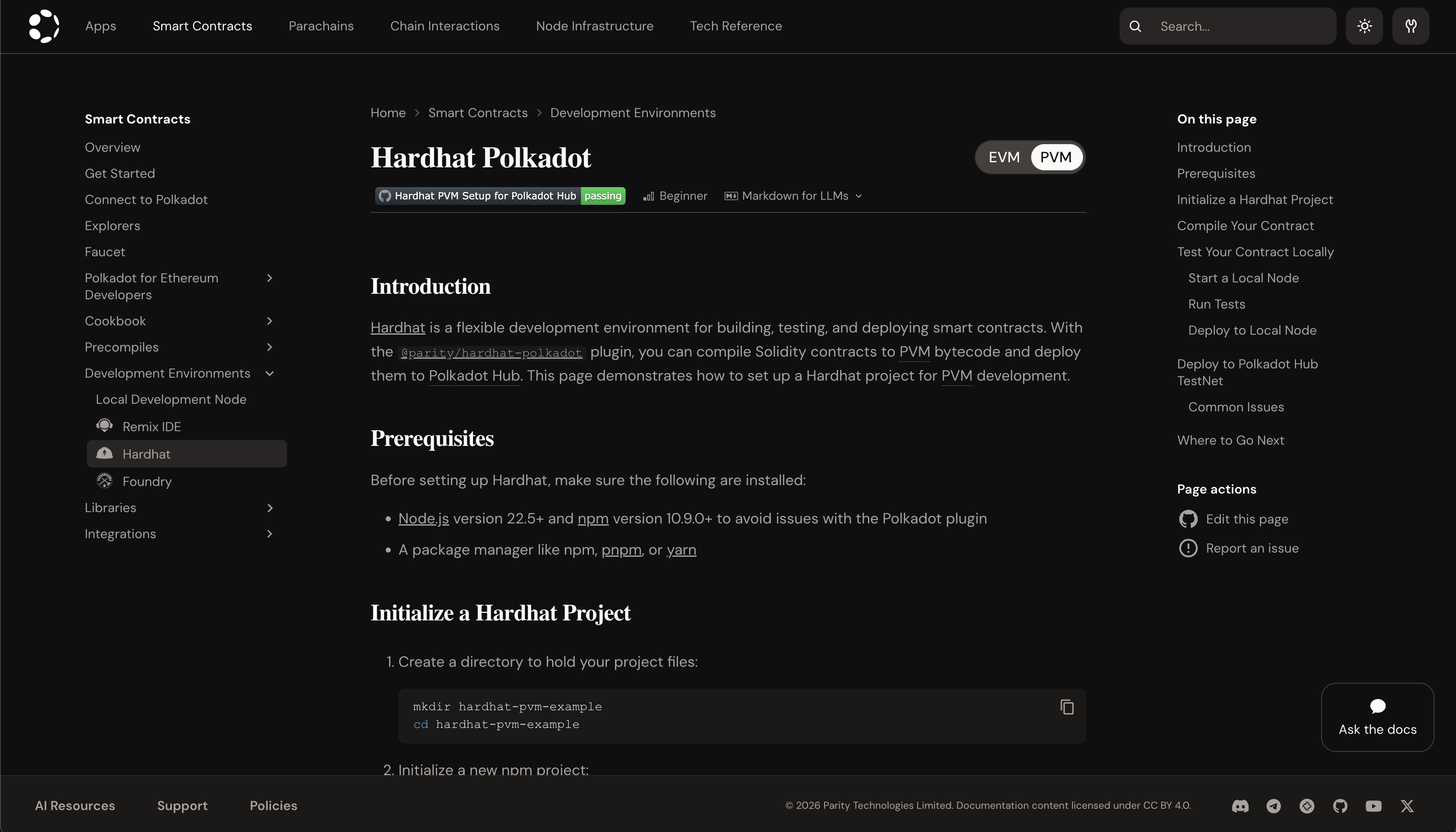
The Page Toggle plugin is a MkDocs plugin I built while working at PaperMoon. It lets a single canonical page present multiple variants of a guide, like the same task walked through for two different smart contract environments, and lets readers switch between them with an interactive toggle. The implementations differ enough to warrant their own separate write-ups, but the plugin keeps them together on one page so readers don’t have to go hunting for the variant they need.
Tech Stack
Python, MkDocs, and BeautifulSoup for parsing and rewriting page HTML during the build. The toggle’s client-side behavior and styling (toggle-pages.js and toggle-pages.css) are companion files I also wrote; they aren’t part of the plugin package itself, since MkDocs loads them from each docs site’s own repo via extra_javascript/extra_css in mkdocs.yml.
→ View example JavaScript and CSS
In Action
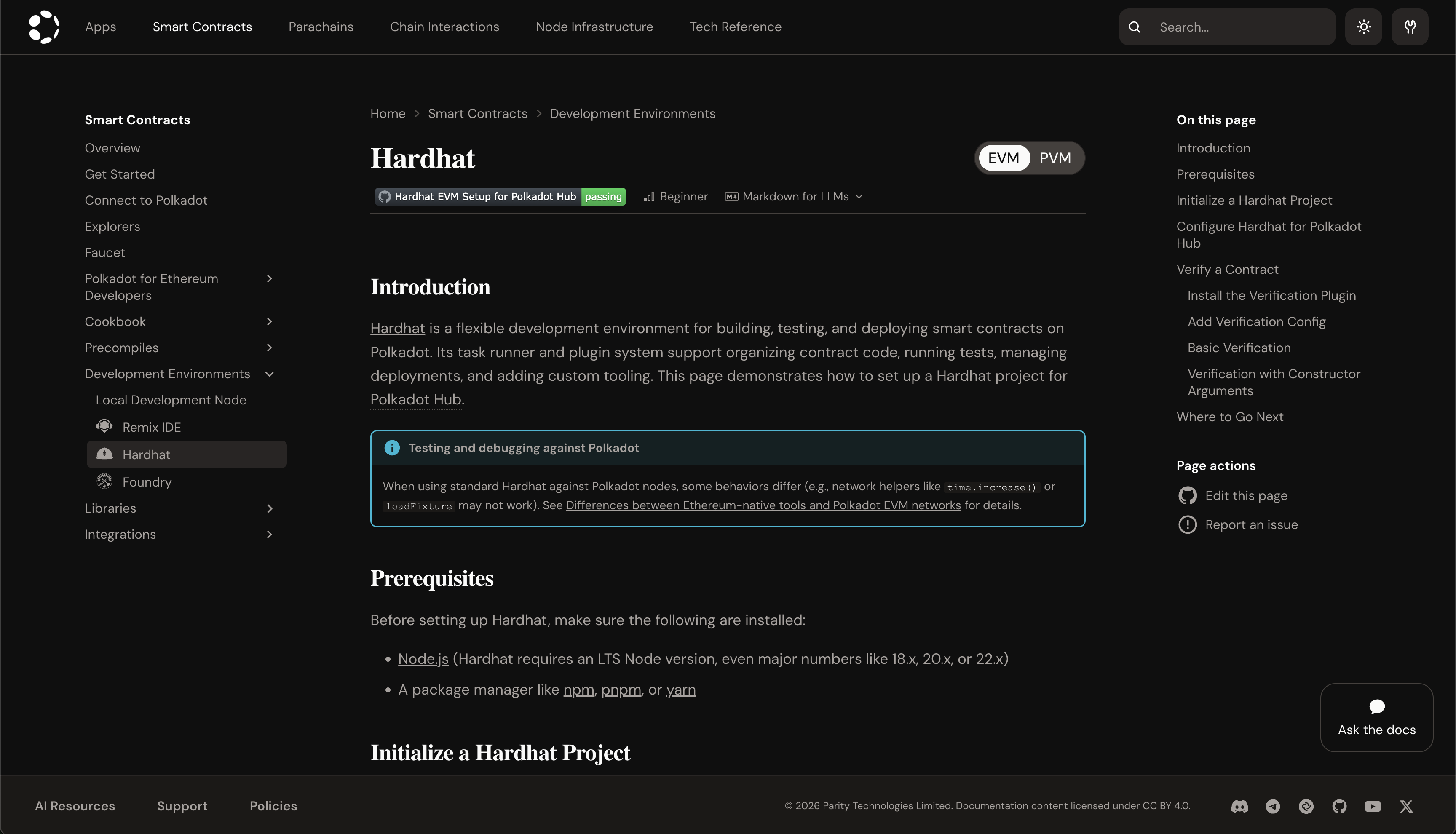
Toggling to PVM swaps in that variant’s content in place, including the page title, the body, and the table of contents: